



signyourdoc
Digital signature for Income Tax
Couldn't load pickup availability
Documents Required to Upload
- Scanned copy of PAN card.
- Scanned copy of Address Proof.
- Passport size Photo of the applicant in JPG / PNG format.
Save an Additional 10% with Exclusive Promo Code Z6624JGA3WSK
Digital Signature Certificate (DSC) for Income Tax — required for e-filing your income tax returns, tax audits, and other compliance submissions on the Income Tax e-Filing portal. SignYourDoc issues Class 3 DSCs compliant with Income Tax Department requirements.
What This DSC Is Used For
- Income Tax Return (ITR) e-filing
- Tax audit report submissions
- Company and firm tax filings requiring mandatory DSC
Available Validity Periods
- 1 Year — ₹2,000
- 2 Years — ₹3,000
- 3 Years — ₹3,500
How It Works
- Select your validity period and complete payment
- Verify your identity via Aadhaar OTP or video KYC
- Receive your DSC loaded onto a USB token, ready to register on the Income Tax portal
See our complete DSC guide for more on DSC types and use cases, or message us on WhatsApp.
Share

Digital signature for income tax price
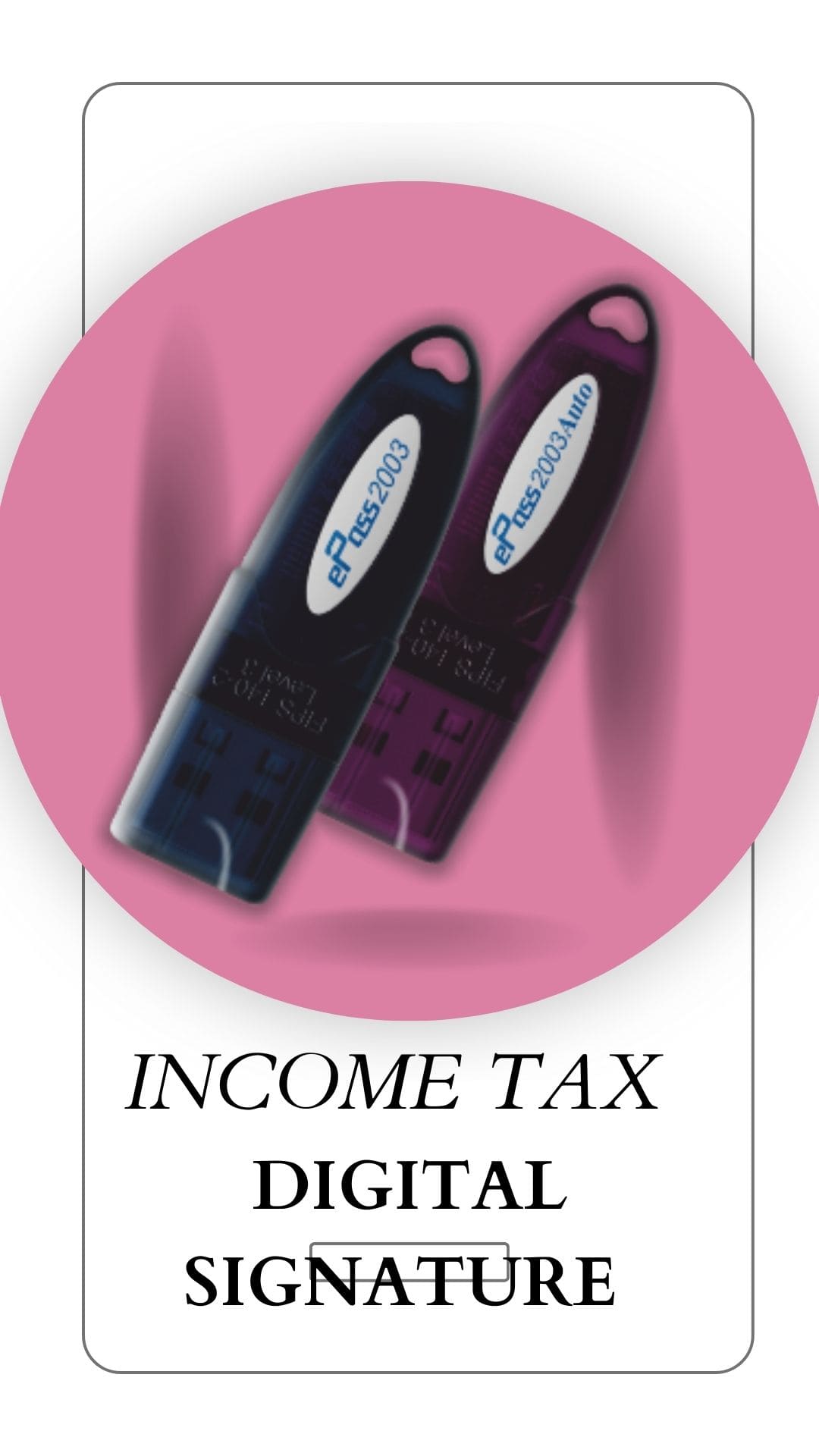
The price of a Digital signature for Income Tax is ₹2,599 for one year, ₹3,599 for two years, and ₹4,599 for three years. The cost of renewal for a Digital signature for Income tax is ₹2,400 for one year, ₹3,400 for two years, and ₹4,400 for three years.
How to get Digital Signature Certificate for income tax?
Here are the steps for Apply Digital signature for Income Tax:
- Select the type of DSC
- Make payment
- Complete documentation
- Complete mobile and video verifications
- Your DSC will be ready within 10 to 20 minutes.
DSC is mandatory for e-verification of your income tax return online in Income tax portal.
You will required a DSC to file your ITR when you get a tax audit done.
Income Tax DSC emsigner Error Port not Showing
Please follow the below steps for Income tax dsc emsigner error solution:-
- Run the emsigner as administrator
- open the portal, fill the appropriate details go to till update register DSC.
- Open a separate tab in same browser and type https://127.0.0.1
- Click on Advanced
- Click proceed to 127.0.0(unsafe)
- Come back to GST portal, refresh the page
- Click on register Digital signature
You can follow these steps to resolve the issue of emsigner error.